Screenshots
Live storefront and admin views, framed so every screen is easy to read.


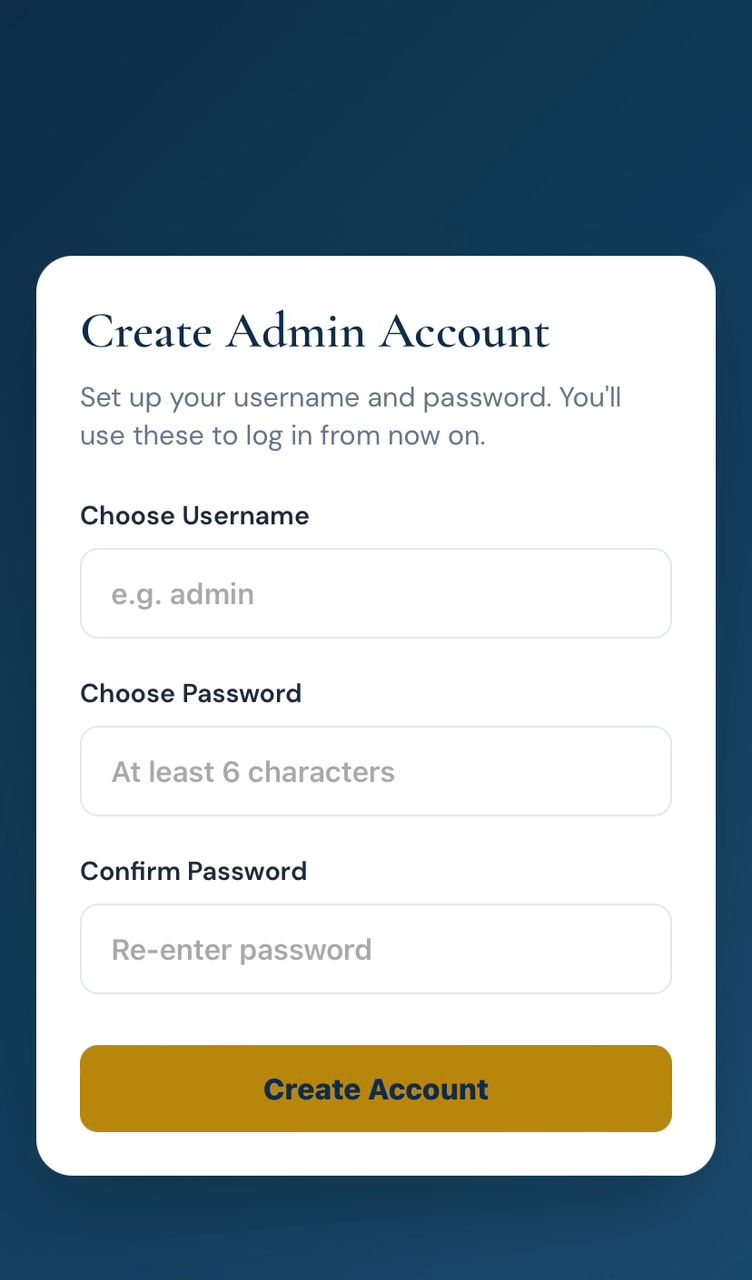
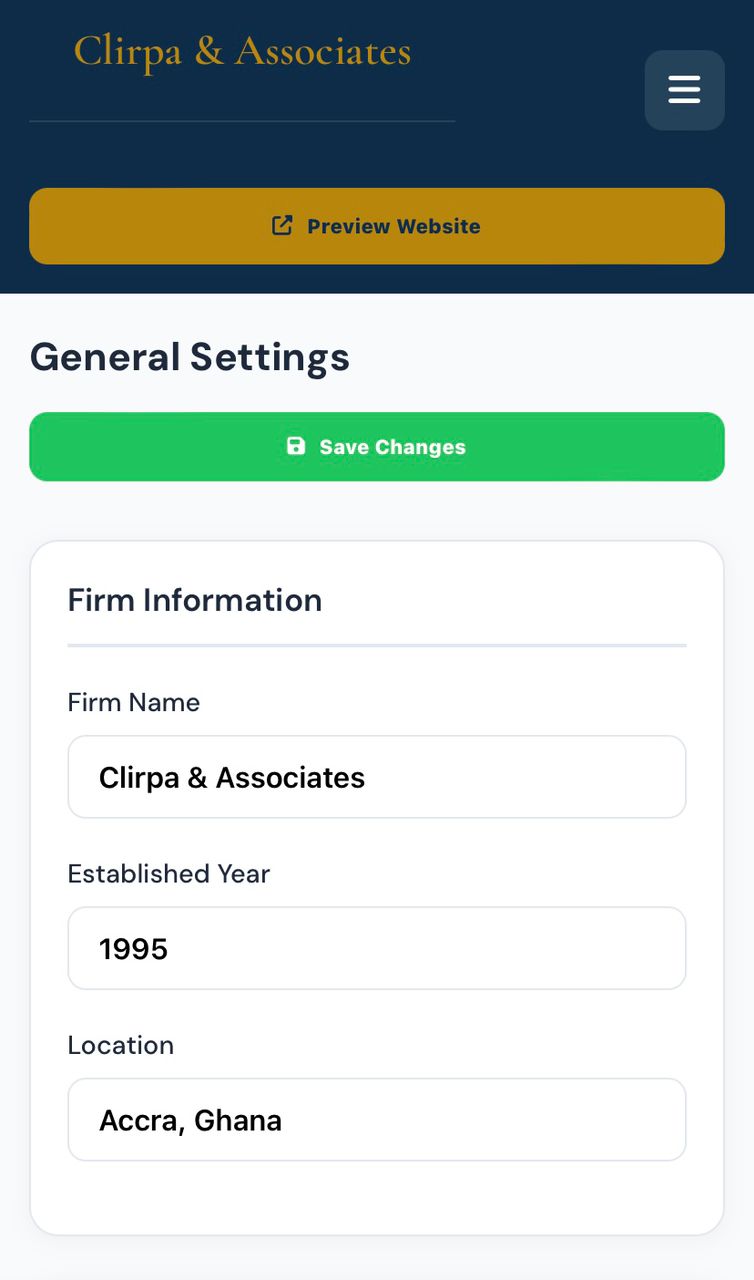
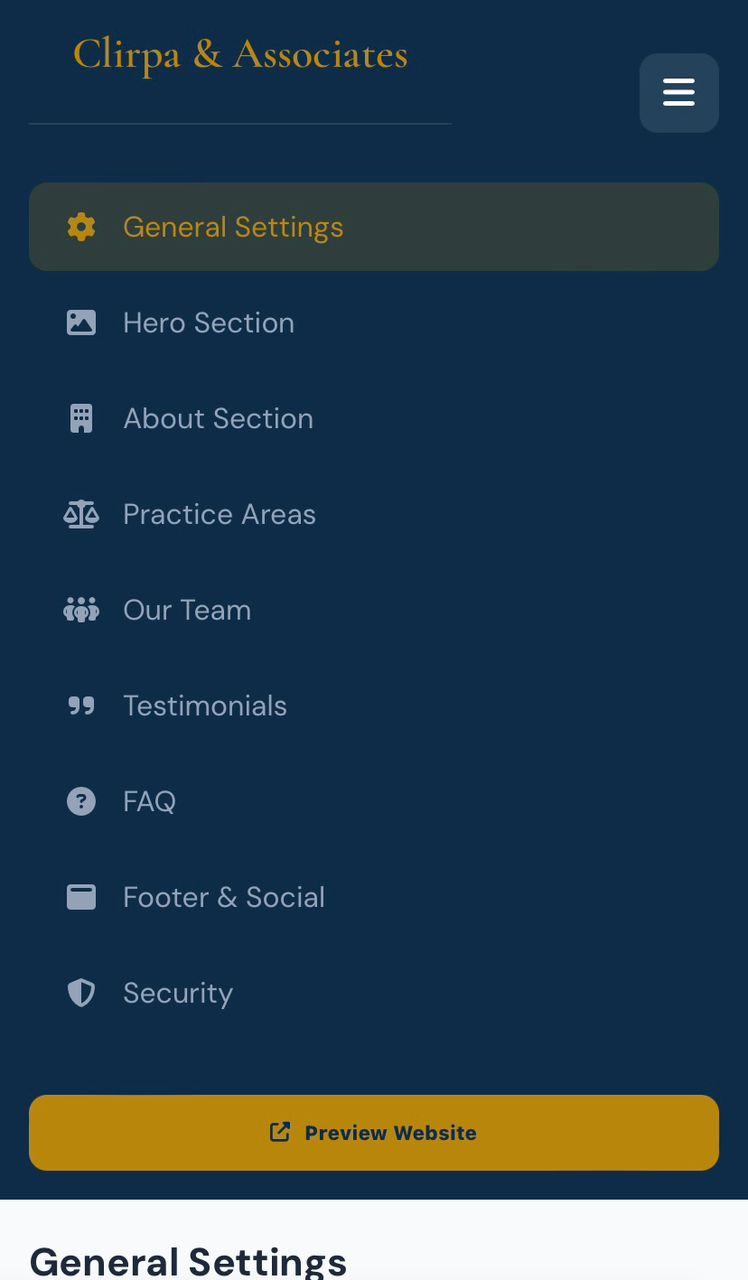
A presence that reads like chambers. Practice areas, counsel, and a discreet path to request a consultation on WhatsApp.
Clirlaw is a website for law firms, chambers, and independent counsel who cannot afford to look like a template mill. It presents practice areas, the bench, and the manner of engagement with the gravity clients expect — then captures the inquiry through WhatsApp or Instagram rather than an unattended web form.
Serious retainers begin with first impressions. This site is the first impression: composed typography, clear matters, and an admin panel so the practice can revise services and copy without an IT retainer for every amendment.
You own the work. Clirpa brands it to the firm and deploys it. The result is a digital chambers you can send with confidence.
Clirlawyer replaces phone tag and missed appointments with a branded booking page that sends every request to WhatsApp or Instagram.
clients call while you are busy. A public booking page captures the request even when you cannot pick up.
When clients cannot see services and prices clearly, they ghost. A professional page plus WhatsApp confirmation cuts no-shows.
People hesitate when they do not know the cost. Publish your menu so serious clients book and casual browsers self-filter.
Notes in your phone and DMs in three apps. One admin panel keeps services, prices, and incoming bookings together.
Serious clients Google you. A premium site makes the business look established.
People browse at night. Your page stays open and routes every booking request to chat.
A complete booking site should serve both you and your clients — a public site that converts, and an admin panel that keeps everything updated.
Add, edit, and price practice areas and consultations without touching code.
Update banners, headlines, and featured offers whenever you run a promo.
Logo, business name, tagline, and about copy — all from General Settings.
See incoming appointment requests in one place and confirm on WhatsApp.
Every booking lands in the chat you already live in, with the service named.
Only you can change services, prices, and branding.
clients see every option and price before they message you.
They pick a service and send a booking message in seconds.
Most clients book from their phone. The layout is built for that.
A comfortable viewing experience day or night.
Your brand, location cues, and contact details sit in one trustworthy page.
No heavy app to download — just open the link and book.
A full book and fewer no-shows is profit. Clirlawyer makes practice areas and consultations easy to choose, easy to book, and easy to confirm.
A public menu fills gaps that hidden pricing and missed calls leave empty.
WhatsApp confirmation makes the appointment feel real.
Clients who see packages and add-ons on the site ask for more once they chat.
Stop repeating your price list. Let the page do that work.
You do not need a development team. Follow these steps and start taking bookings from one professional link.
Order Clirlawyer and receive the booking site plus admin.
Upload logo, business name, and about copy.
Enter practice areas and consultations and prices in the admin panel.
Set the WhatsApp number that receives booking requests.
Check the live page on your phone before you share it.
Put it in your bio, Google profile, and status — then take bookings.
Have these ready and we can get your booking site live quickly.
Where appointment requests will arrive.
Your current practice areas and consultations menu.
Name, logo, and a short description of the business.
Hero and gallery images that show your craft.
We can host it or deliver the files after purchase.
Most owners finish first configuration in under an hour.
Clirpa ready-made templates are fast, mobile-first, and designed to run on any modern browser — with WhatsApp and Instagram as the checkout and booking layer.
Clean, semantic markup with a glassmorphic dark UI that loads instantly.
Smooth interactions, theme toggle, and live catalog rendering without a heavy framework.
Looks premium on phones, tablets, and desktops from a single codebase.
Shared API for store settings, bookings, and admin login across devices.
Username and password access so only you can edit products, services, and branding.
Update banners, products, and gallery images from the dashboard.
One-tap chats with product or booking details already filled in.
Route serious buyers from your storefront into the apps they already use.
Close payments the way your market already pays — no extra checkout friction.
Customers can shop in the theme that feels right for them.
Logo, colors, copy, and hero content are all editable from admin.
Clear categories, prices, and CTAs built for social-media traffic.
Ready-made, industry-specific templates built for WhatsApp and Instagram commerce — so you launch faster, spend less, and look established from day one.
Pre-built for your niche so you can start taking bookings this week.
Skip monthly booking-app fees. Own a branded page that sends clients to you.
Add services, staff notes, and offers as the business grows.
We help you go live and connect WhatsApp the first time.
Live storefront and admin views, framed so every screen is easy to read.
The catalog looks like a real house, not a WhatsApp dump. Clients arrive already decided — we only close.
Admin is the reason it stays live. Prices change in minutes. No waiting on a developer for a weekend drop.
We stopped repeating ourselves in DMs. The site does the explaining; WhatsApp does the payment.
Presentation changed what we could charge. The same stock, on this storefront, reads as a brand.
Clirpa installed it, connected the number, and walked us through admin the same week. That is the difference.